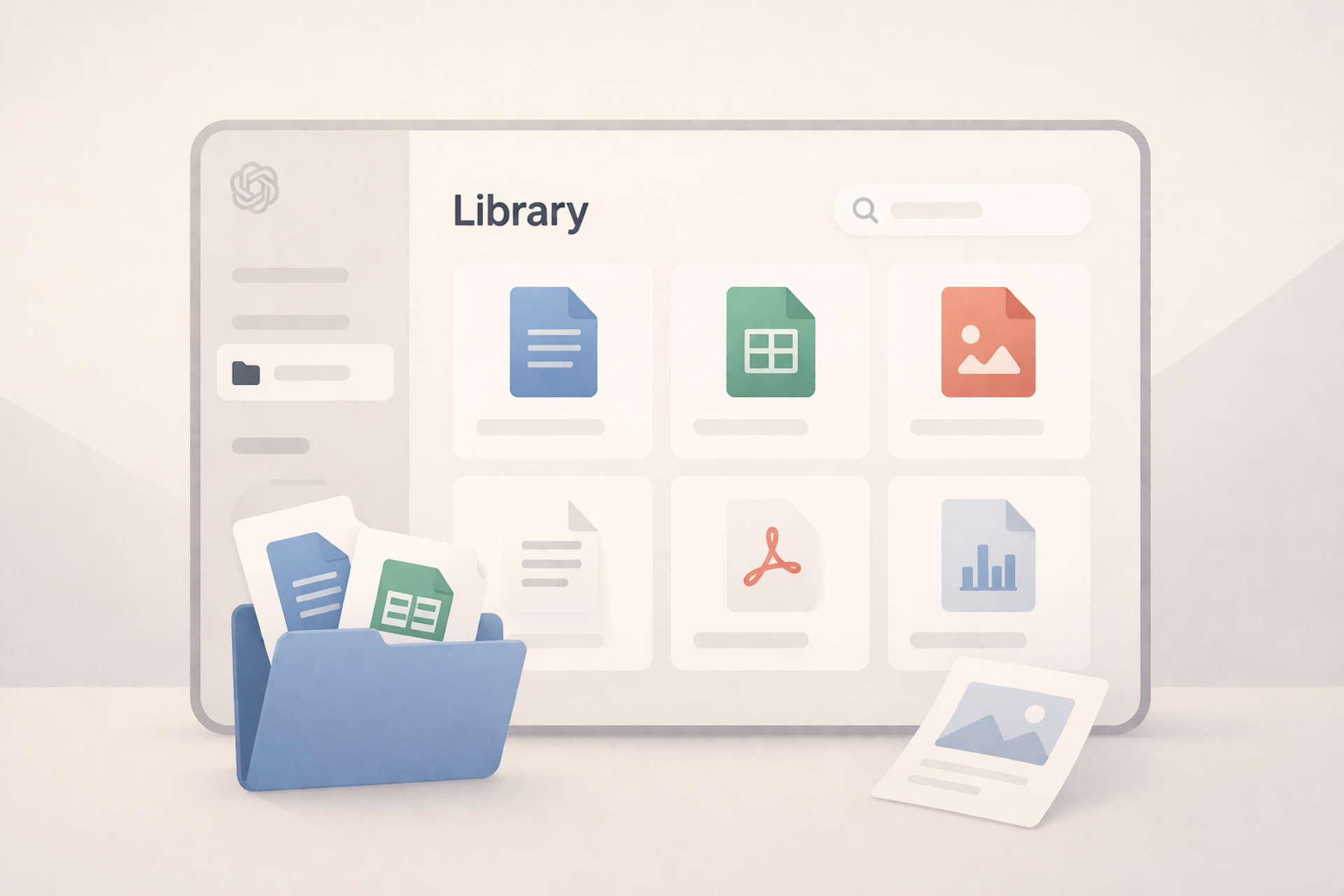
March 27, 2026 OpenAI has introduced a new ChatGPT Library feature that automatically stores files uploaded to, or generated within, conversations in a single, centralised location. The update simplifies file retrieval across sessions, removing the need for users to manually track assets created or shared during chats.
The feature, available via the ChatGPT web interface, aggregates documents, spreadsheets, images and other files into a dedicated library accessible from the sidebar. OpenAI describes it as a “dedicated and secure online location” where users can access previously used or generated files at any time.
The library captures both inputs and outputs. Files uploaded during chats, including documents and datasets, are automatically saved, alongside files generated by ChatGPT such as reports or PDFs. Generated images remain separate and continue to be stored in a distinct Images section.
Access is currently limited to paid tiers, including Plus, Pro and Business subscriptions. The feature is not available to free users and is restricted geographically, excluding the European Economic Area, Switzerland and the United Kingdom. It is also limited to the web version of ChatGPT, with no mention of availability in desktop or mobile apps.
The system includes defined size constraints. Most files are capped at 512MB, while spreadsheets and CSV files are limited to 50MB and images to 20MB. Text-based uploads can reach up to 2 million tokens, reflecting the system’s capacity to handle large documents within conversations.
From a workflow perspective, the library introduces persistent file state across chats. Users can reattach previously uploaded or generated files directly from the library into new conversations, reducing duplication and improving continuity in multi-step tasks such as document analysis or iterative content generation.
Basic file management tools are included. Users can view, download, upload and delete files within the interface, with options to handle individual files or perform bulk actions. The library also provides filtered views, allowing users to separate images from other file types.
The feature addresses a common friction point in AI-assisted workflows: the lack of persistent, structured access to artefacts created during interactions. Previously, users had to manually locate files on local devices or regenerate outputs when context was lost between sessions.