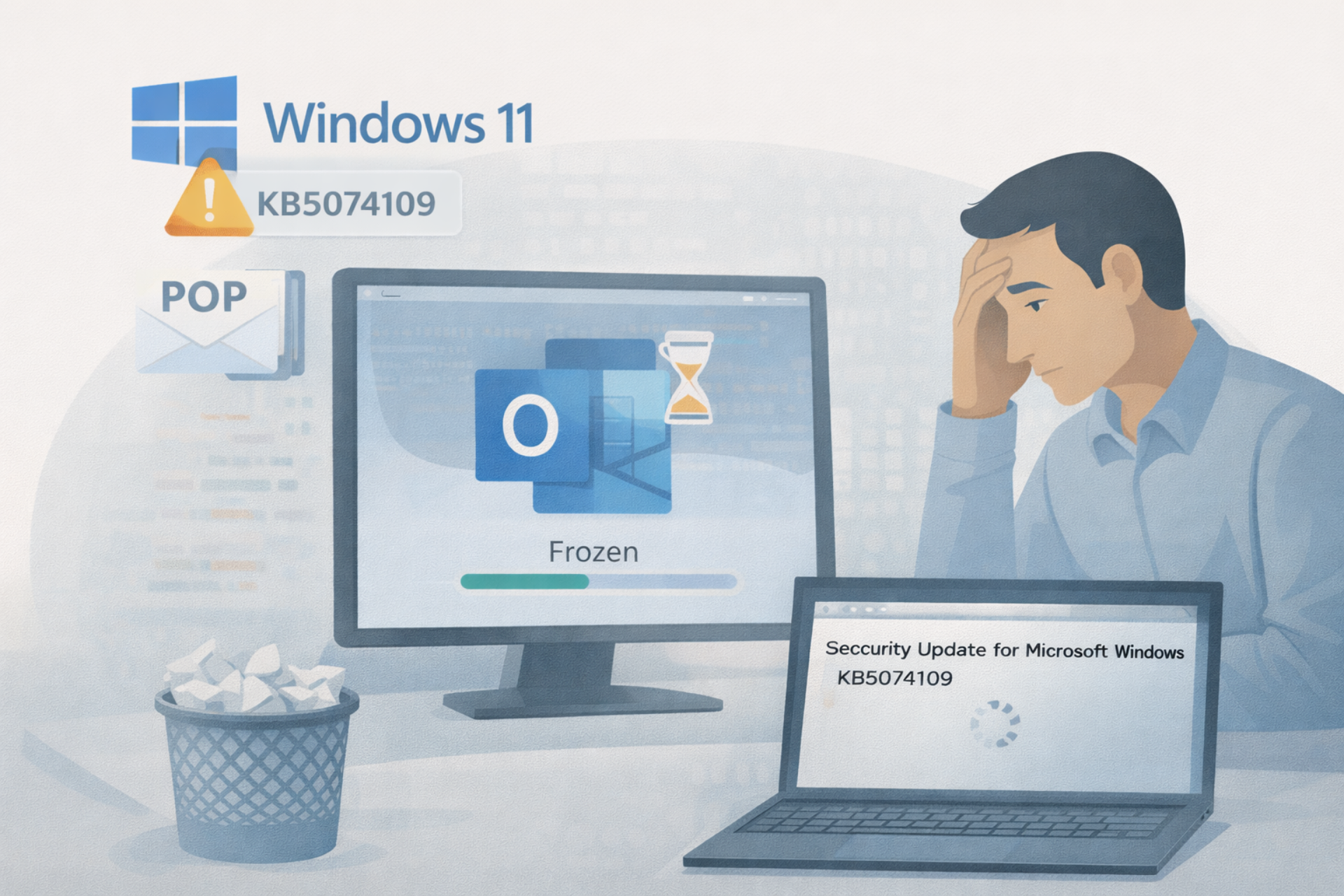
January 16, 2026 A recent Windows 11 security update is reportedly breaking the classic Outlook desktop app for some users. According to users, the update is leaving the app frozen, unresponsive or unable to restart after closing. Microsoft says it is investigating the issue.
The issue surfaced after the January security update, KB5074109, rolled out to devices running Windows 11 versions 24H2 and 25H2. Users affected say Outlook begins hanging immediately after the update is installed, particularly in setups that rely on POP (Post Office Protocol) email accounts, a configuration still common among home users and small businesses.
In a support advisory published Thursday, Microsoft acknowledged the problem but said its understanding remains incomplete. “This is an emerging issue, and we don’t have all the symptoms yet, but we will update the topic as we understand the issue better,” the company said.
POP accounts appear to be the common thread. While POP has largely been eclipsed by IMAP and Exchange in enterprise environments, it remains widely used in legacy setups where emails are downloaded and stored locally. According to user reports, Outlook fails to shut down cleanly after the update and cannot be relaunched without restarting the system.
Microsoft says its Outlook and Windows engineering teams are actively investigating but has not offered a timeline for a fix or an official workaround. For now, the company recommends uninstalling the update as a temporary measure. Users can do this by navigating to Settings > Windows Update > Update history > Uninstall updates, then removing “Security Update for Microsoft Windows (KB5074109).”
Several affected users say that step resolves the issue immediately. “As soon as the January 14th update was issued, Outlook started freezing and crashing. I uninstalled KB5074109 and now Outlook works fine again,” one user reported. Another said, “No repairs or fixes listed worked except uninstalling the security update. I had to postpone updates to keep it from reinstalling.”
That workaround comes with an important caveat. Removing security updates can leave systems exposed to known vulnerabilities, some of which may already be under active exploitation. Microsoft reiterated that security patches are designed to protect against malware and other threats. Hence, it warned that rolling back these patches should be considered a last resort.
For now, users dependent on POP-based Outlook configurations face a trade-off between stability and security. Microsoft says it will update its advisory as more details emerge and as it works toward a permanent fix.